RollCD — the aesthetic CD cam in your pocket.
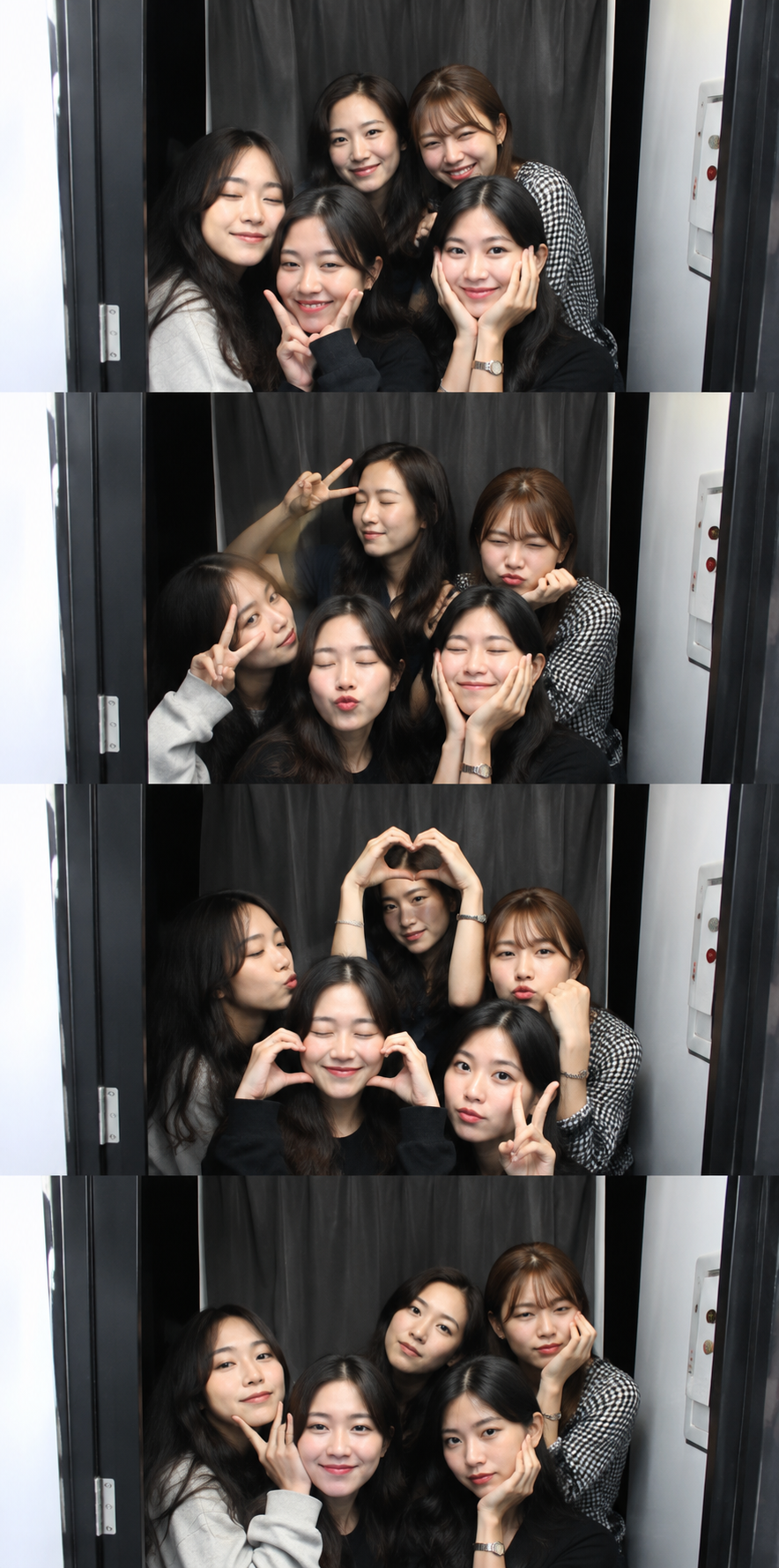
Loved making strips on the web? RollCD brings the whole booth to your phone — shoot, edit your camera roll, and save with unlimited frames & filters, free. Works offline, no account.
Free · Unlimited frames & filters · Works offline · From the makers of rollbooth.com

Everything you love, now on your phone
The same vintage booth from rollbooth.com — rebuilt for Android with the extras only a real app can give you.
Unlimited frames
Single, grid, photostrip, four-cuts and more — mix and match as many layouts as you want, no limits.
Unlimited vintage filters
B&W, Sepia, Cherry, Fuji, 90s, Noir and the full aesthetic pack — apply them to any photo, free.
Edit your camera roll
Import photos you already have and drop them straight into a retro frame — not just new snaps.
Works offline
No signal, no problem. Shoot, edit and save your strips anywhere — your photos never leave your phone.
One-tap sharing
Send your finished strip straight to Instagram, WhatsApp or your group chat in a single tap.
Private by design
No account, no uploads. Just like the web booth — your memories stay yours.
Web booth or the app?
Want to make a quick strip right now with nothing to install? The free online Roll Booth works in any browser on any device. Want unlimited frames & filters, offline editing and your camera roll built in? That's RollCD — the app version, free on Google Play.
Get it on Google PlayA peek inside RollCD
Swipe through the booth, the editor and the export screen.
RollCD FAQ
Quick answers about the Android app.
Is RollCD free?
Yes. RollCD is free to download on Google Play and includes unlimited frames and filters at no cost.
Does RollCD work offline?
Yes. Once installed you can shoot, edit and save your photo strips with no internet connection — and your photos never leave your device.
What's the difference between RollCD and rollbooth.com?
rollbooth.com is the free web photo booth that runs in any browser with nothing to install. RollCD is the Android app from the same makers — it adds offline editing, camera-roll import, unlimited frames & filters and faster one-tap sharing.
Which devices does RollCD support?
RollCD is available for Android phones and tablets on Google Play. On iPhone or desktop you can keep using the free web booth at rollbooth.com.
Make your first strip in the app
Unlimited frames & filters, free. The cutest photo booth, now in your pocket.