A Photobooth Built for Gen Z
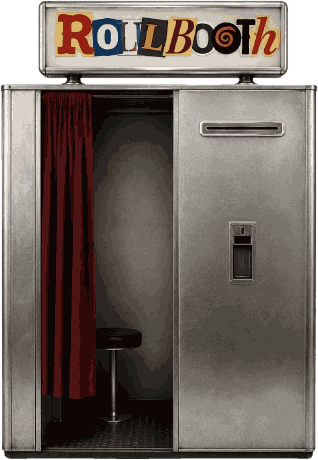
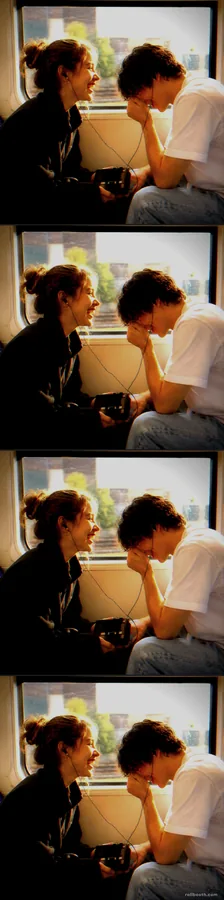
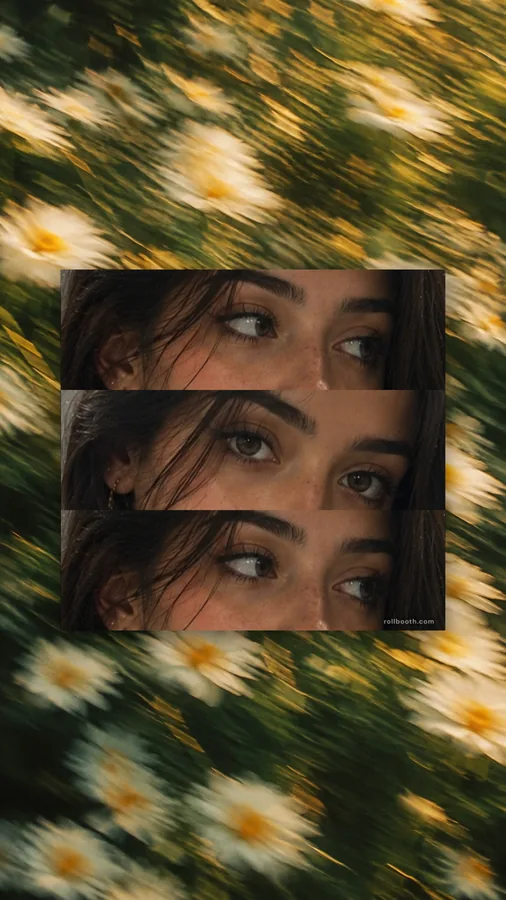
Most online photo booths give you one look: a black-and-white strip with some grain. Roll Booth is a Gen Z photobooth with a whole wardrobe of them. Shoot a blended photo strip where the frames melt into each other, a Y2K photo booth set with real digicam colour, an Eye Cuts strip, or a K-pop 4-cut you can print at photocard size. It all runs in your browser on iPhone, Android or a laptop.
How to make a Gen Z photo strip
- Pick a look — Gen Z Blend, Y2K Cuts, Eye Cuts or any strip in the reel. Can't decide? Hold the dial and let the booth roll one.
- Shoot — the countdown takes each shot, or tap a box to add one from your gallery.
- Try filters live — Filter Cam shows 45 looks on your face before you shoot: CCD 200, Vapor, DV Cam, thermal, fisheye and more.
- Decorate — stickers, text and dot art, like a scrapbook dump.
- Download and post — a high-res PNG, or a GIF or video of it printing for Stories and Reels.
Why it beats a vintage booth
- More than one vibe. Vintage is still here (Vintage Cuts), next to blended, Y2K, low-fi and colour-light looks.
- New strips every week. Fresh drops land at the front of the reel with a NEW badge.
- Shoot with friends anywhere. The remote booth puts two people in one strip from different cities.
- Private by default. Everything is processed on your device; nothing is uploaded unless you pin it to the booth wall.
Frequently Asked Questions
What is a Gen Z photobooth?
It is a photo booth built around the looks Gen Z actually posts: blended strips, Y2K digicam colour, eye-crop strips, K-pop 4-cuts and live filters, rather than a single vintage black-and-white grade. Roll Booth runs one free in your browser.
How do I make a blended photo strip?
Open the Gen Z Blend strip, take four shots, and the booth fades each one into the next automatically. There is no cut between the frames in the preview or in the download.
Is the Gen Z photobooth free?
Yes. Every strip, filter and sticker is free, with no account and no app to install.
Does it work on my phone?
Yes. It works in the browser on iPhone and Android with the front or back camera, and on any laptop webcam.
Are my photos uploaded anywhere?
No. Photos are processed on your device and never stored on our servers. Only a photo you choose to pin to the booth wall is shared.